

As SyncJS continues to expand across the Syncplify product family, now shipping in Syncplify Server! v7.1 and R2FS! v2.0, and arriving soon in its enhanced form in AFT! v4.0, one thing became clear: our customers needed proper tooling for the editors they already use.
Given that over 90% of developers work in VSCode or one of its derivatives, that was the obvious place to start.
SyncJS is 100% ECMA 5.1-compliant JavaScript at its core, but it also adds 200+ functions, methods, structures, and symbols on top of the base language. Expecting every developer to memorize that extended API was never realistic.
So we built a VSCode extension that solves both problems at once: a full Language Server for inline documentation and auto-completion, and an MCP (Model Context Protocol) server so AI agents can write SyncJS scripts for you without hallucinating methods or structures that don’t exist.
Here’s how to get set up.
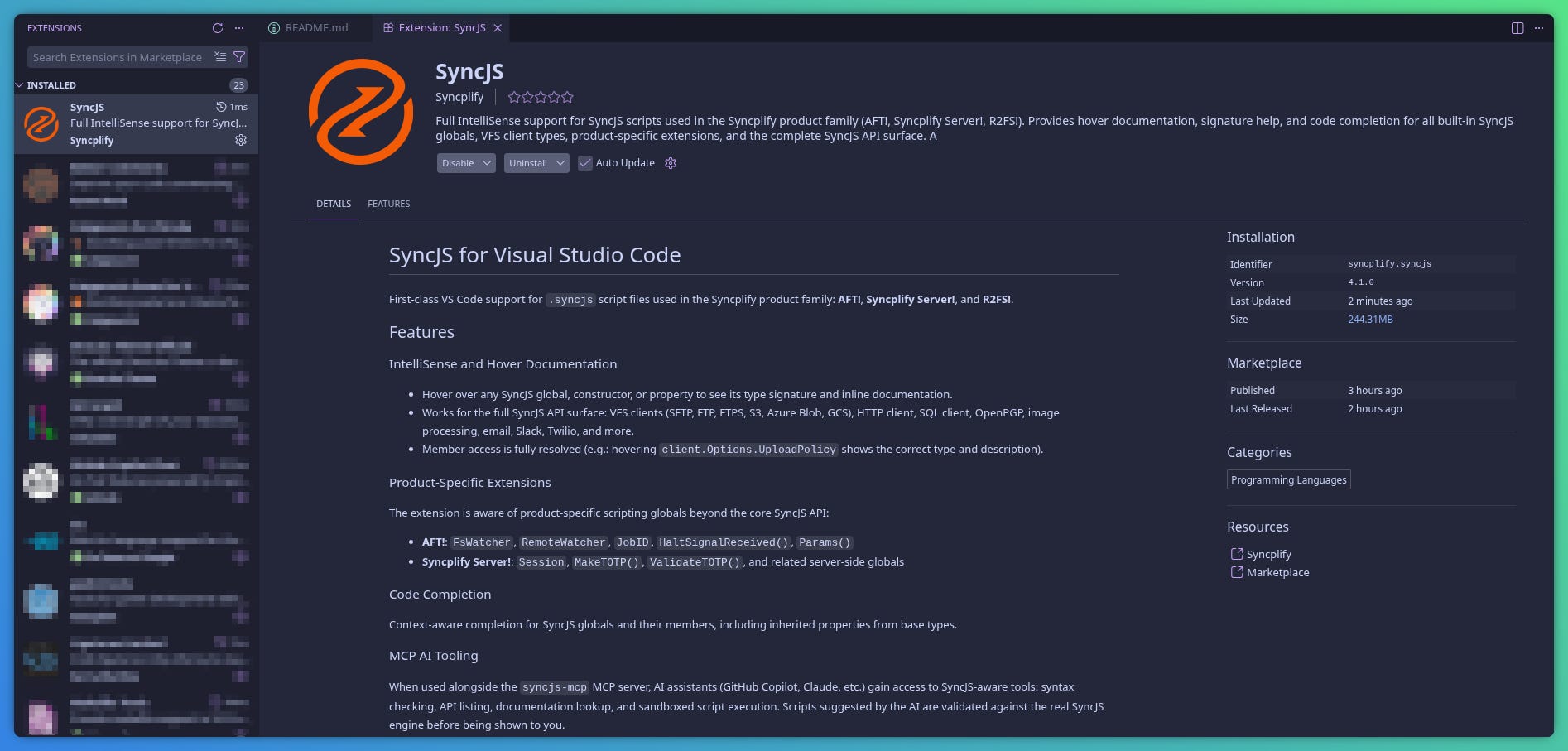
1. Install the SyncJS extension
Search for SyncJS in the VSCode Extension Marketplace and install it.
2. Register the MCP servers in your User profile
Once installed, open the command palette with Shift+Ctrl+P and run: SyncJS: Register SyncJS MCP Servers in User Profile.

Reload your VSCode window when prompted for the change to take effect.

3. Add a SyncJS MCP server to your project
After reloading, open the command palette again and run MCP: List Servers.

Select the SyncJS flavor that matches your project: core SyncJS (symbols shared across all Syncplify products), or the extended symbol tables specific to Server! or AFT!.

4. Prompt your AI agent
That’s it. Your AI agent now has precise, complete knowledge of the SyncJS language: its syntax, object model, and the full functional API. Write your prompt as you normally would.

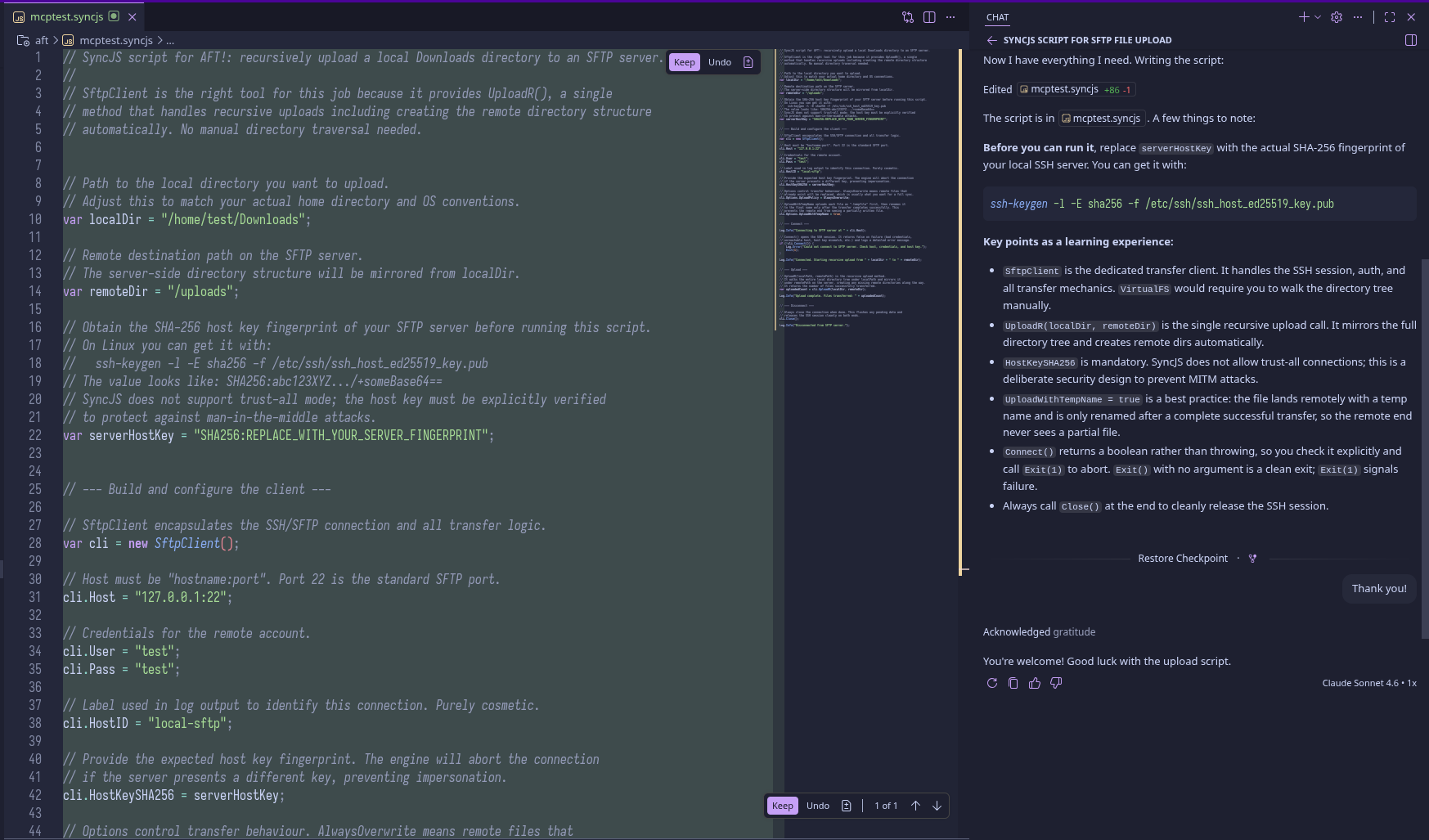
5. Your SyncJS script is ready
The agent produces a working SyncJS script. Review it, make any adjustments you want, then paste it directly into your Syncplify product’s web UI.
The SyncJS VSCode extension is available today. Whether you prefer writing scripts by hand with full auto-completion and inline documentation, or delegating the first draft to an AI agent that actually knows the language, the tooling is there.
Install it, connect your agent, and let SyncJS do the heavy lifting across your entire Syncplify environment.
This is amazing! I was having AI help me write some code from the docs but this is even better!