

Many of you have already noticed. When you go to log into your Syncplify Customer Center account, a few new options showed up that didn’t exist before: social account login (via your Google/Microsoft account) and passkey login.
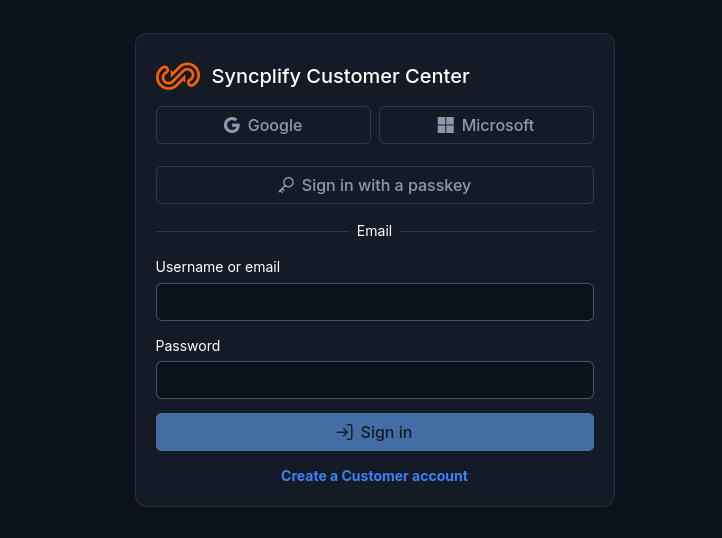
These are not just UX gimmicks, they genuinely help you keep your account safe, especially the passkeys, which are our most highly recommended login method going forward.
So, how do you enable those features?
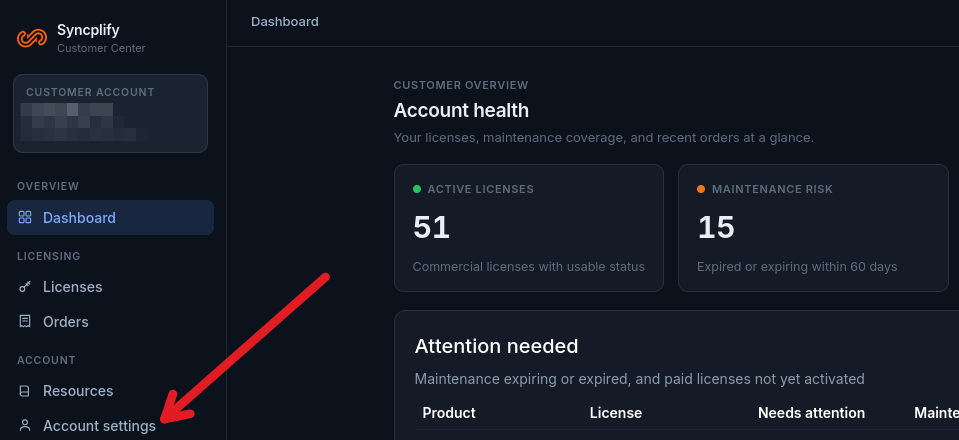
First of all, perform a normal/legacy login with your current credentials. Once you’re logged in, click the Account settings menu item in the left sidebar.
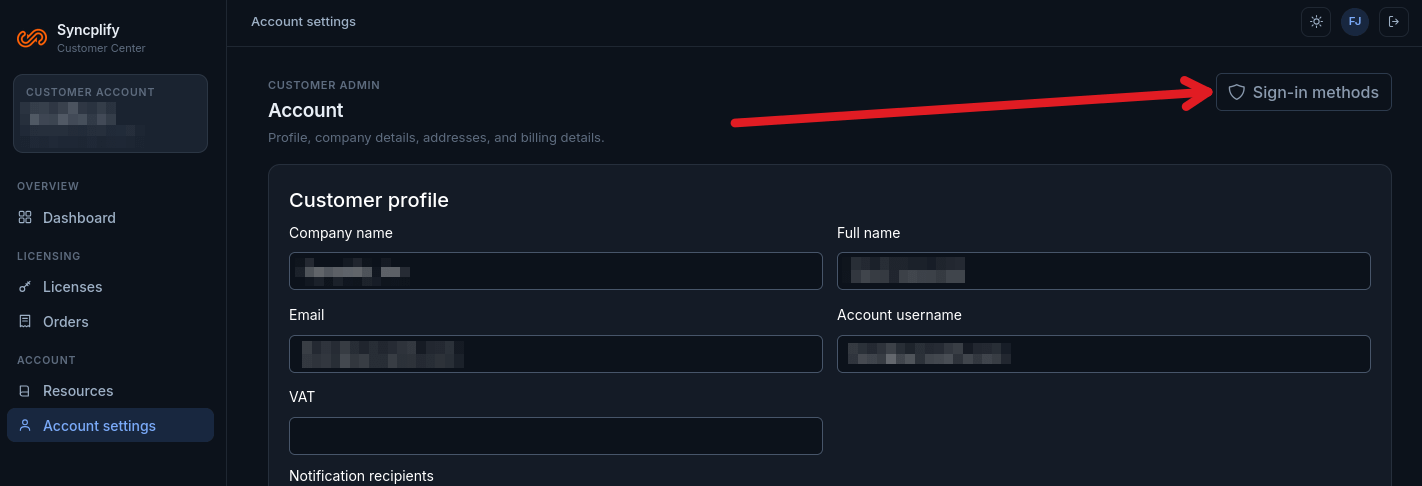
Once you are in your account settings page, click on the Sign-in methods button in the top-right corner of the page:
You will be forwarded to this page:
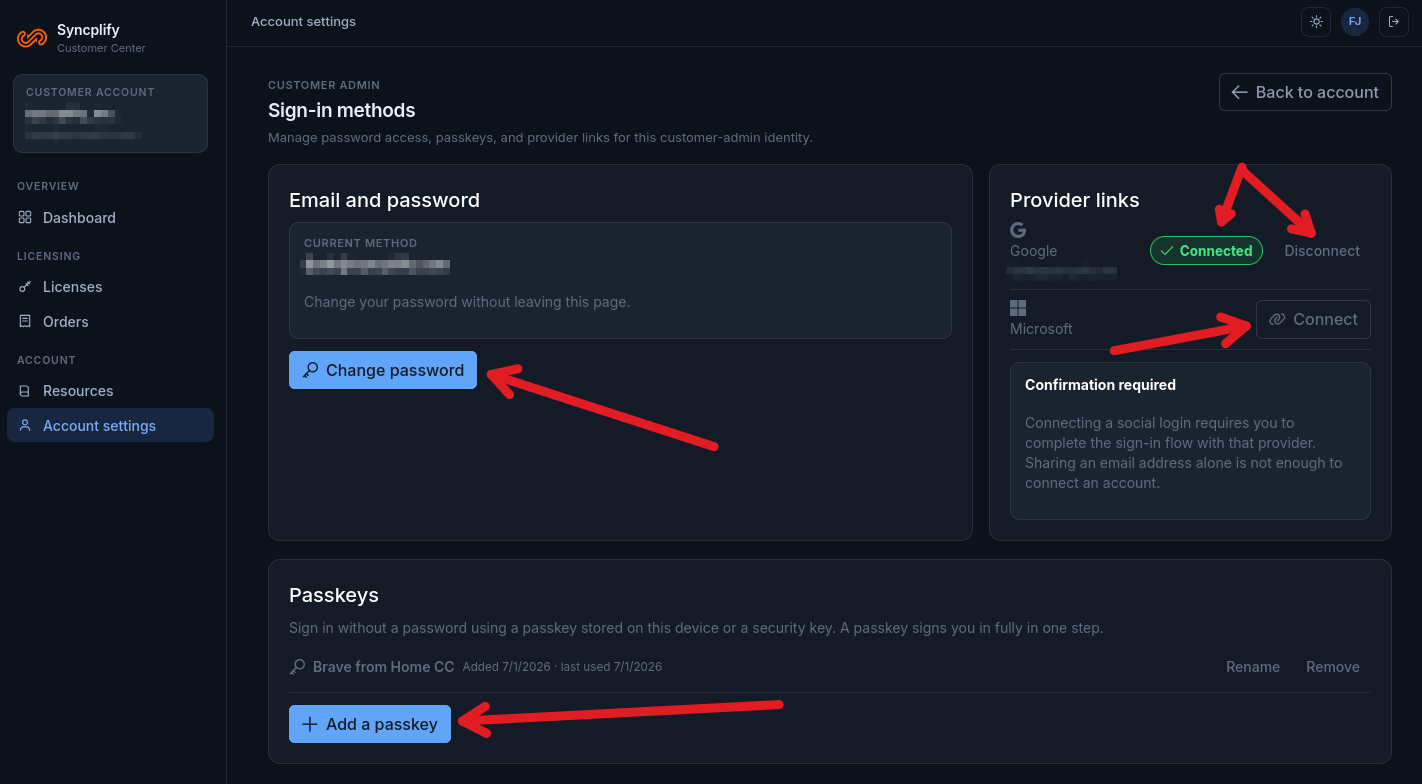
From there you can:
change your password (always make sure you have a strong password regardless of what sign-in method you actually use)
add/rename/remove passkeys (arguably the safest sign-in method)
connect/disconnect your social logins (security depends on how safely you have them locked down, but they’re usually pretty safe)
We strongly encourage each and every one of our customers to adopt passkeys whenever possible, or at least connect one of their social accounts that are already protected by their providers’ authenticator apps, and use that account to sign-in from there on.
Thank you all for helping us keep your customer accounts safe.